Battery Management
INVLocal gives you direct control over your battery’s charge and discharge behaviour.
Quick actions
Section titled “Quick actions”From the Dashboard, three buttons let you override the current mode immediately:
- Charge Now - charges the battery as fast as possible (up to the configured charge power limit)
- Discharge Now - discharges the battery to home (up to the configured discharge power limit)
- Pause - holds the battery at its current state of charge
Battery card
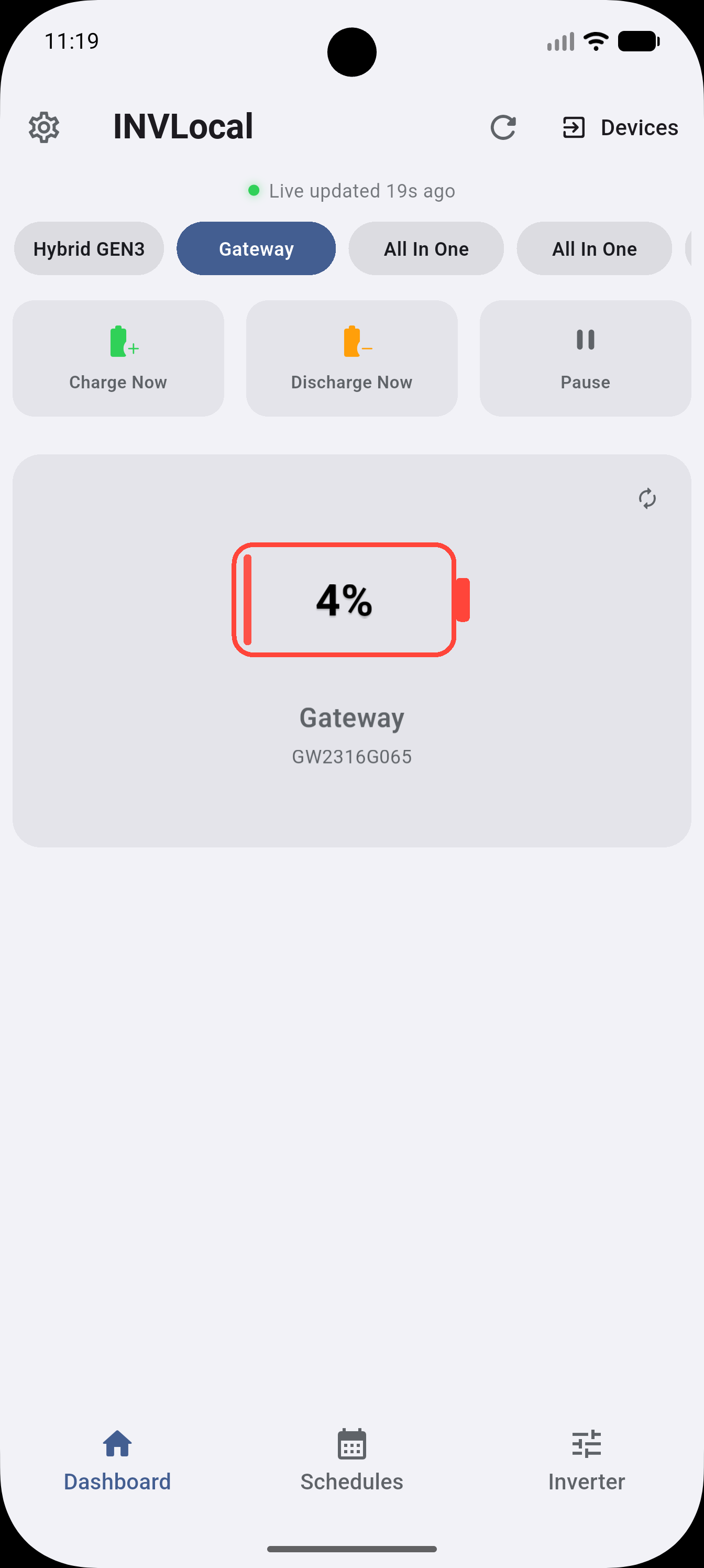
Section titled “Battery card”The battery card on the Dashboard shows:
- Current state of charge (%)
- Active mode (Charging, Discharging, Idle, Paused)
- Current power in kW
- Estimated time to full or empty
- Total and usable capacity in kWh
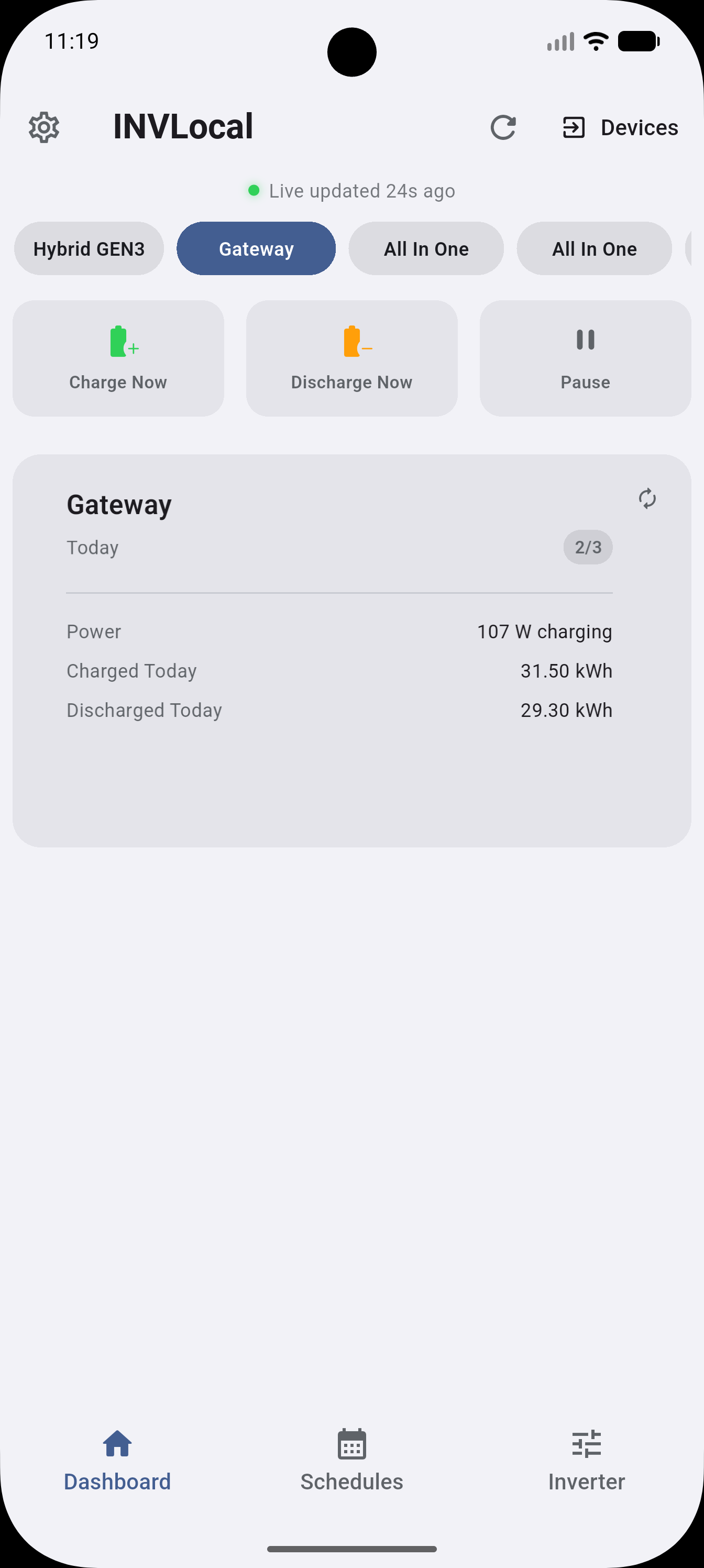
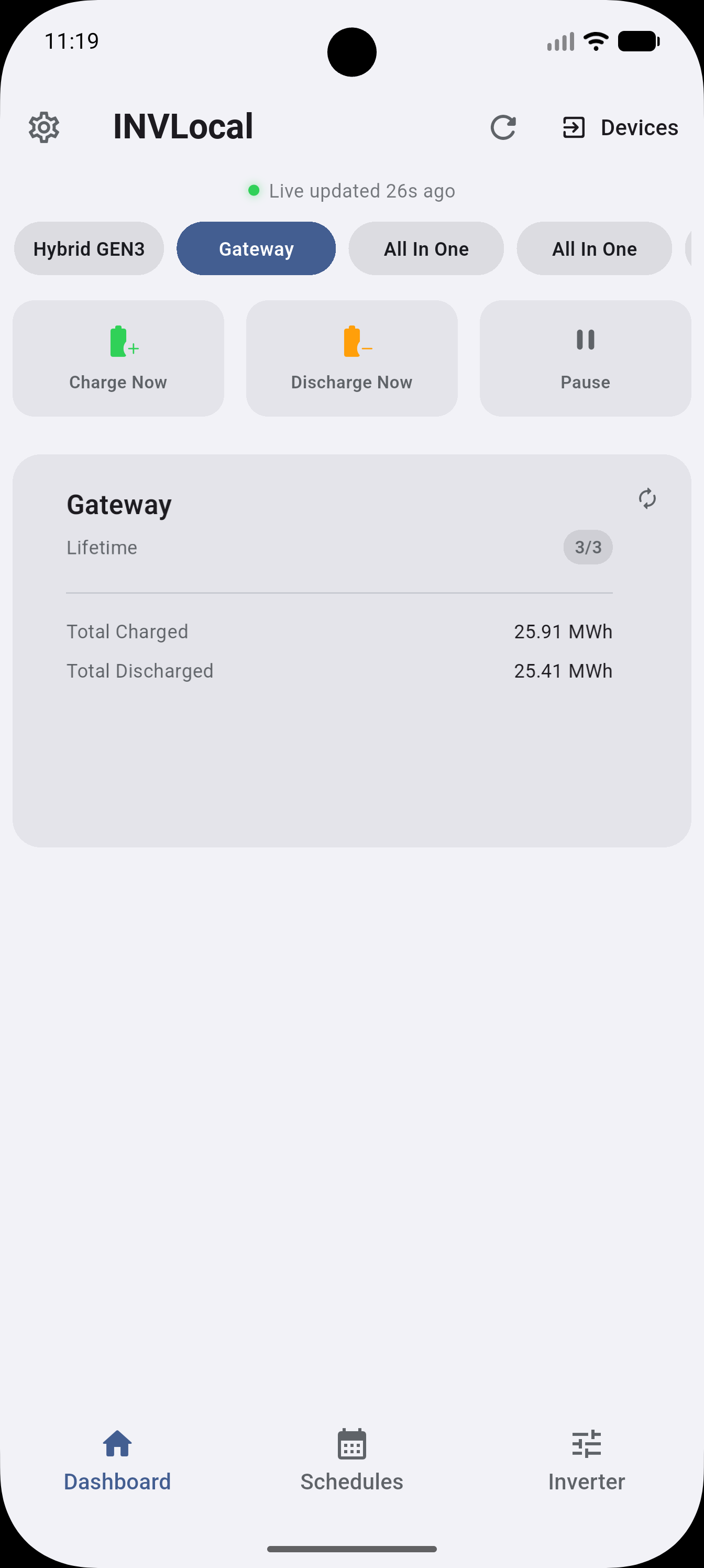
Swipe the card to see two more pages: today’s charged/discharged totals, and lifetime charged/discharged totals.
Battery reserve
Section titled “Battery reserve”The battery reserve sets the minimum SOC the inverter will discharge to. Configure it in Inverter → Battery Control. This prevents the battery from being completely drained by discharge schedules or quick actions.
Eco Mode
Section titled “Eco Mode”When Eco Mode is enabled, the inverter automatically manages charging and discharging based on your tariff and usage patterns. Configure it in Inverter → Battery Control.
Max power for quick actions
Section titled “Max power for quick actions”By default, Charge Now and Discharge Now use your configured power limits. You can optionally allow quick actions to temporarily override these limits and use the maximum hardware-supported power rate. Enable this in Settings → Quick Actions. See Quick Actions for more.
Battery cell details
Section titled “Battery cell details”Tap the battery card to open a detailed view showing per-cell voltages, temperatures, and (where available) a calculated State of Health. See Battery Cell Details for more.
INVLocal is an independent product. It is not affiliated with, endorsed by, or supported by GivEnergy. GivEnergy is a trade mark of its owner and is used here only to describe hardware compatibility.